Faster loading
Shrink files before adding a model to a website, product configurator, portfolio, or online 3D viewer — so scenes appear in a fraction of the time.
 Text3D.ai
Sign in or create your account to generate and manage your AI 3D models.
By continuing, you agree to our Terms and Privacy Policy.
Compress and optimize GLB and glTF 3D models in seconds. Reduce 3D model file size with geometry compression, optional mesh simplification, and texture optimization — for faster websites, smoother mobile viewing, lighter AR previews, e-commerce product pages, and game-ready assets.
Upload a GLB or self-contained glTF file from your device. Convert other formats to GLB first.
Drop a GLB or self-contained glTF file here, or upload it from your device.
Balanced combines moderate polygon reduction with 2048 px texture limits.
Caps the longest edge of every texture. Leave on Auto unless you need a smaller texture limit.
Reduces the model’s geometry data so the file is smaller and loads faster. Keep this on for most models.
The selected compression level sets this automatically: 1.00 for High Quality, 0.90 for Balanced, and 0.65 for Maximum. You can enter a custom value from 0.01 to 1.00.
Compare the original model with the optimized result, then download your compressed file.
| Parameter | Before | After |
|---|
The Text3D.ai compressor combines the three techniques that matter most for online 3D: geometry compression to shrink model data, mesh simplification to cut polygon count when you choose it, and texture optimization that resizes and safely re-encodes images. Together they often reduce a GLB by 50–90% while keeping the model looking right.
Large 3D models stall product pages, AR previews, and WebGL scenes — especially on phones. The compressor gives you a clear before and after comparison of file size, triangles, and textures, so you can see exactly what changed before you download. Pick a level, tweak the advanced controls if you like, and ship a lighter model your visitors can actually load.
Large 3D models stall product pages, AR previews, and WebGL scenes — especially on phones with limited bandwidth and memory. A smaller, optimized file loads faster and feels smoother for every visitor.
Shrink files before adding a model to a website, product configurator, portfolio, or online 3D viewer — so scenes appear in a fraction of the time.
Compressed GLB files open reliably on phones and tablets where memory is tight, reducing crashes and long spinners on mobile H5 pages.
See file size, triangles, vertices, and texture counts side by side, so you know exactly what changed before you download the result.
Everything runs locally in your browser. Your files never leave your device — no uploads, no servers, no waiting in a queue.
Upload or drag in a GLB or self-contained glTF file from your device. We instantly parse it and show the original details.
Start with High Quality, Balanced, or Maximum Compression. Open Advanced Settings to fine-tune max texture size, geometry optimization, and a mesh simplify ratio.
We run real client-side optimization, show the before/after comparison, and let you download an actual compressed GLB or glTF — never a placeholder.
Each level sets how aggressively textures are resized and re-encoded. Geometry optimization stays on by default for all three — the level decides how much visual detail you keep.
Keeps the most visual fidelity. Best when detail is critical — hero products, close-up renders, and portfolio showcases.
The default for most websites and AI 3D assets. A strong size reduction while keeping the model looking great on screen.
Smallest possible file. Ideal for mobile-first pages, AR quick-look, and bandwidth-sensitive markets where speed wins.
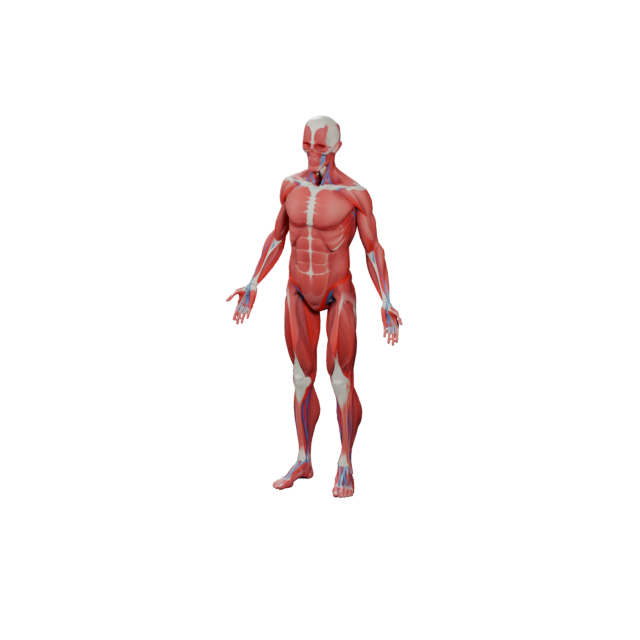
Embed models in pages and three.js scenes that load fast.
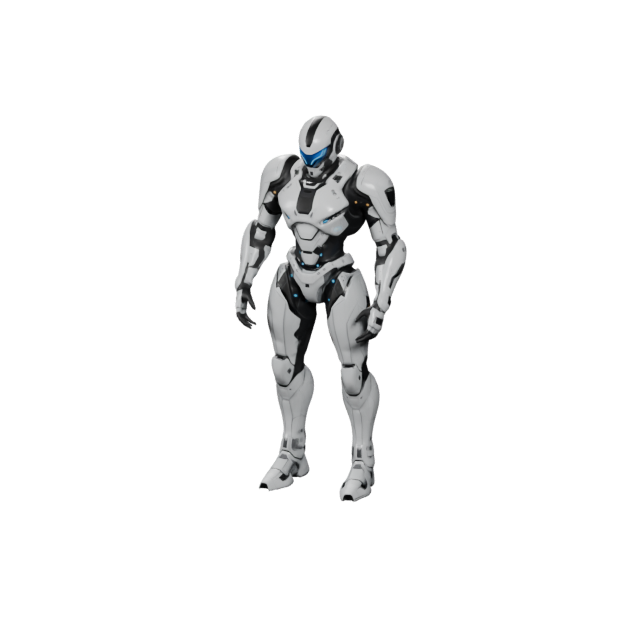
Faster 3D product views and configurators that convert.
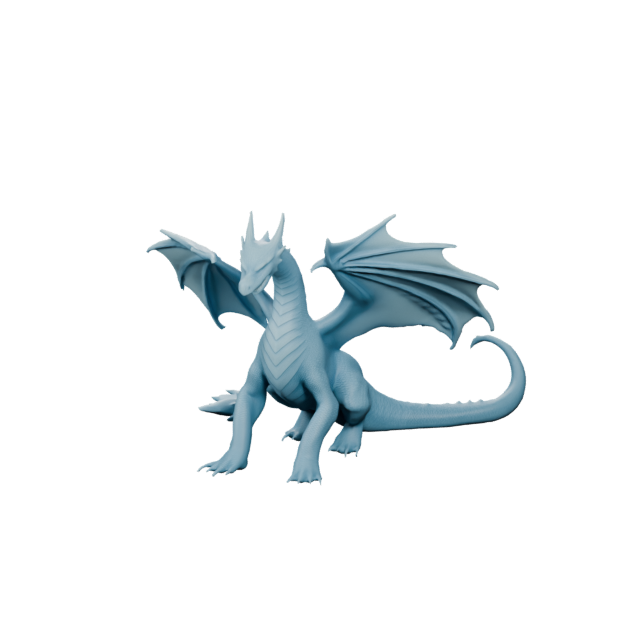
Lighter assets for AR quick-look and in-app try-on.
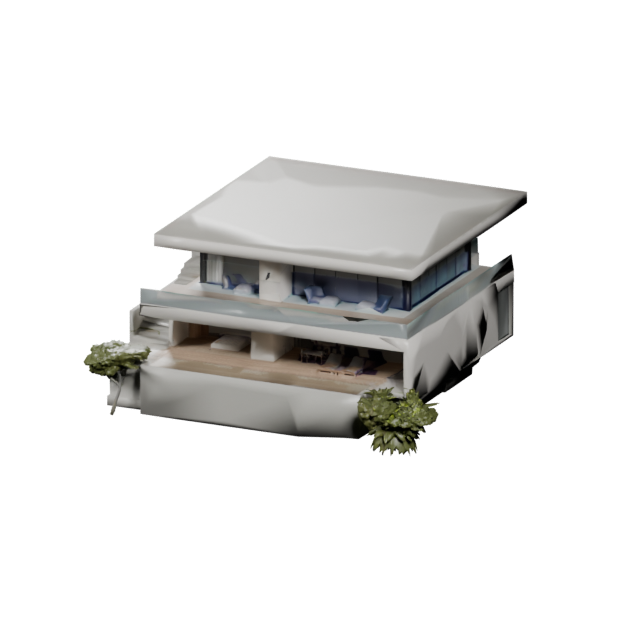
Trim draft assets so test builds stay quick to load.
This Text3D.ai tool is built for anyone searching for a free 3D model compressor, a GLB compressor, a glTF optimizer, or a fast way to reduce GLB file size before publishing a 3D asset online. It combines geometry compression, optional mesh simplification, and texture optimization to shrink heavy GLB and glTF models while protecting model structure — making them load faster and run smoother for AI 3D creators, e-commerce stores, WebGL developers, AR experiences, game prototypes, and 3D portfolio sites.
It reads your GLB or glTF, then applies geometry optimization, optional mesh simplification, and smart texture resizing and re-encoding to cut file size while keeping the model recognizable. You can optimize 3D model for web delivery in one click, or open Advanced Settings to control max texture size, toggle Draco, and set a simplify ratio. When it finishes, you download a real optimized file — a GLB if you uploaded a GLB, or a self-contained glTF if you uploaded glTF.
GLB and glTF are the standard formats for real-time 3D on the web and in AR. They pack geometry, materials, textures, and animation into a compact, viewer-friendly package. If your source is OBJ, FBX, STL, USDZ, or 3MF, convert it to GLB first with the Text3D.ai 3D Model Converter, then bring it back here to compress your GLB file.
It reduces GLB and glTF file size for faster loading and smoother performance in websites, mobile viewers, AR previews, product pages, and game prototypes. It applies geometry compression, optional mesh simplification, and texture resizing — all in your browser.
Yes — the Text3D.ai 3D model compressor is free to use, and free forever. Free users can compress and download up to 2 GLB or glTF models per day at no cost, while Text3D.ai subscribers get unlimited compressions with no daily limit. Either way, you can optimize and reduce 3D model file size and download the result right away.
No. Compression runs locally in your browser, so your model data is not sent to Text3D.ai servers. For recovery after an accidental refresh or sign-in redirect, the latest input and verified result may remain only in this browser until you reset the tool or clear browser storage.
Use High Quality to keep the full polygon count with ≈92% texture quality, Balanced to target ≈90% of the original triangles with ≈80% texture quality, and Maximum Compression to target ≈65% of the triangles with ≈65% texture quality. Balanced is the default.
It reduces geometry and animation data with a standard glTF compression extension. Keep it on for modern web and mobile viewers. Turn it off when exporting to older software that does not support compressed glTF extensions.
It reduces the number of triangles in your mesh. A ratio of 1.0 keeps all triangles; lower values (for example 0.5) target roughly that fraction of the original triangle count. Use it carefully — heavy simplification can change the shape of detailed models.
The goal is a smaller file that still looks great. Light keeps almost all detail; Maximum trades some texture sharpness for size. Always check the before/after comparison and preview your model before publishing.
If you upload a GLB you get an optimized GLB back. If you upload a glTF, the tool returns a single self-contained glTF with its buffers and images embedded, so it stays easy to move around.
This page focuses on GLB and glTF because they are the common formats for web 3D and AR. For other formats, convert to GLB first with the Text3D.ai 3D Model Converter, then compress it here.
Yes. The tool is designed to run on modern desktop and mobile H5 browsers. Very large models may use more memory on phones, so the Balanced or Maximum levels are a good starting point on mobile.
Turn text or images into production-ready 3D assets with Text3D.ai — then optimize them right here for fast, web-friendly delivery.