Free Text to 3D
Describe a character, prop, product, vehicle, or printable object, and the Text3D AI engine builds a 3D model from your prompt.
Try Text to 3D Text3D.ai
Sign in or create your account to generate and manage your AI 3D models.
By continuing, you agree to our Terms and Privacy Policy.
Text3D.ai lets you start 3D creation for free. Generate 3D models from text prompts or images, preview AI 3D assets in your browser, and continue your workflow with common 3D formats for games, product concepts, 3D printing, AR, and creative projects.
This model is designed for subscribers. Upgrade your plan to unlock higher-quality 3D generation and advanced model options.
“Free 3D” means different things to different creators. Some want free 3D models to download, others want a free 3D generator, a free 3D viewer, or a safe way to test AI 3D before paying. Text3D.ai brings these together: start your 3D creation with free credits, preview the result in your browser, and export a downloadable 3D model when it is ready.
Use free credits to generate 3D models from a text prompt or an image reference — no upfront cost to test the Text3D AI engine.
Rotate and inspect every generated 3D model in the browser before you download, regenerate, or move it into another tool.
Browse the AI 3D asset gallery for prompt, style, and format ideas you can adapt for your own free 3D creations.
Text3D.ai supports both prompt-based and image-based 3D creation, so beginners, indie game developers, product designers, makers, and students can turn an idea into a free 3D model without opening complex modeling software first.
Describe a character, prop, product, vehicle, or printable object, and the Text3D AI engine builds a 3D model from your prompt.
Try Text to 3DUpload a product image, sketch, or concept image and generate a 3D model based on the main subject in the reference image.
Try Image to 3DSpin the result, check proportions and silhouette, then decide whether to download, regenerate, repair, or convert it.
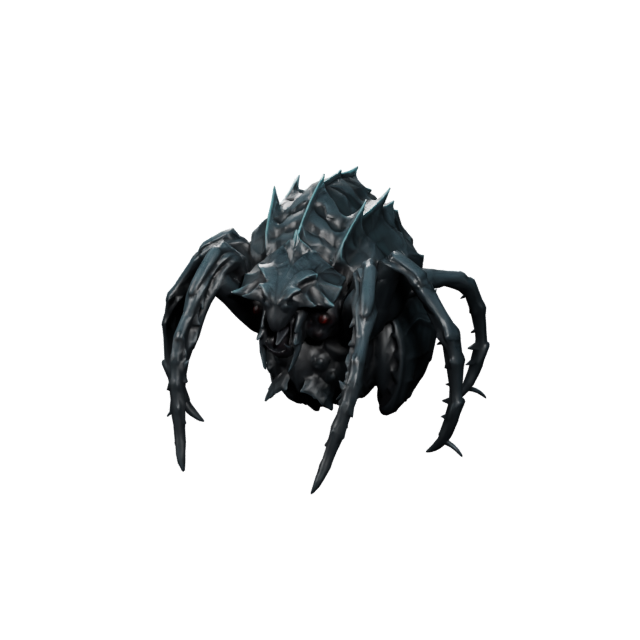
Free 3D ViewerIndie developers use Text3D.ai to spin up first-pass game content fast: stylized heroes and creatures, weapons, crates, potions, collectibles, and environment props. Generate a free 3D model from a prompt, preview it in the browser, then export GLB or FBX for Unity, Unreal Engine, Godot, or three.js.
Generate game 3D free →Online sellers, brand designers, and product teams use Free Image to 3D to turn a single product image into a rotatable 3D model for bags, bottles, gadgets, shoes, packaging, and accessories. Preview the generated asset, then export GLB or USDZ for web 3D viewers, interactive product pages, and AR experiences.
Convert an image to 3D free →Compress and optimize GLB and glTF models to reduce file size while keeping the model useful for real-time 3D. Create lighter assets for websites, mobile apps, AR experiences, e-commerce viewers, and games without installing desktop software.
Compress a 3D model free →From transportation and aviation to home, fashion, architecture, and gaming, Text3D.ai gives you a free starting point for 3D assets that match your industry — described in plain language and previewed in seconds.
Cars, trucks, scooters, and stylized vehicles for games and concepts.
Rockets, drones, jets, and sci-fi craft with clean hard-surface shapes.
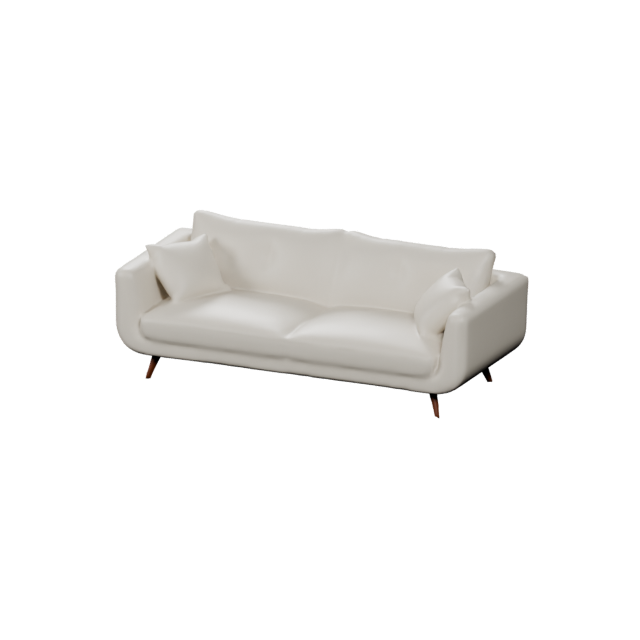
Sofas, lamps, decor, and interior props for visualization and AR.
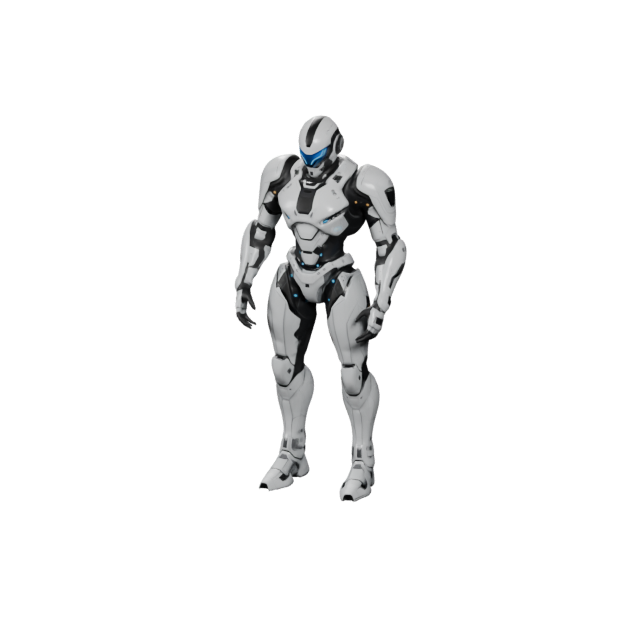
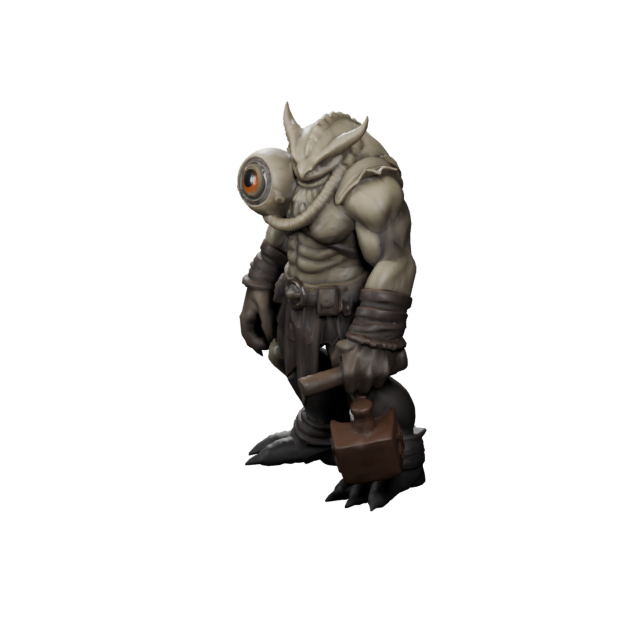
Robots, mascots, chibi heroes, and stylized 3D game people.
Packaging, bottles, gadgets, and product shapes for online stores.
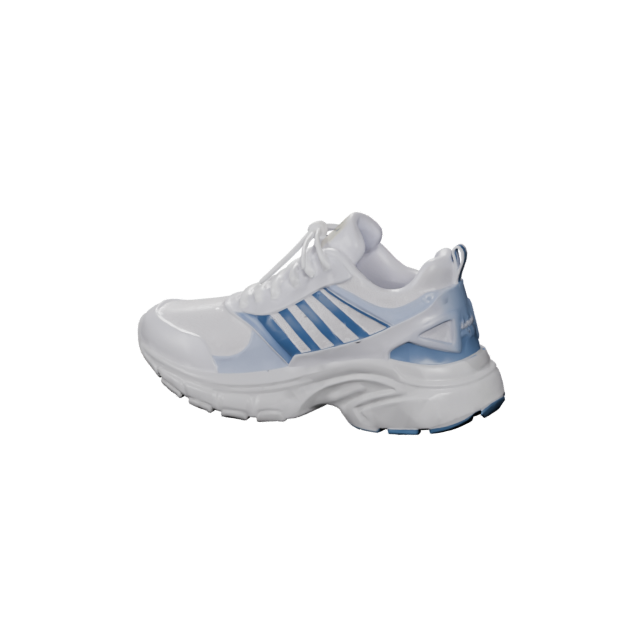
Garment concepts, accessories, and stylized wearables in 3D.
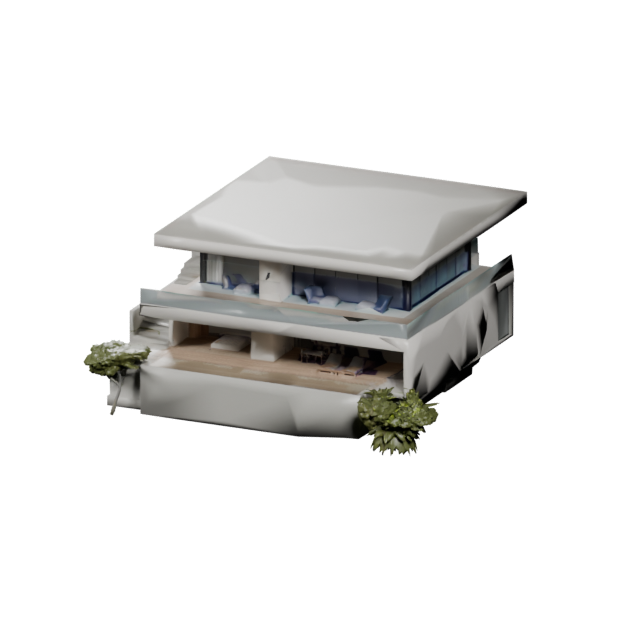
Buildings, blocks, and scene structures for previews and games.
Cute figures, mascots, and printable collectibles in a playful style.
The Text3D.ai free 3D workflow stays simple: describe or upload, generate the model, then preview and choose your next step.
Write a prompt or upload a reference image. Add an optional style such as cartoon, realistic, sci-fi, or low-poly.
Choose the free V1.0 model and let the Text3D AI engine build your first-pass 3D model in seconds.
Rotate the model, then download, regenerate, repair, convert, or continue refining it in another 3D tool.
Free-start 3D generation is perfect for exploring ideas and creating first versions. Use these prompts to test object concepts, props, printable forms, and stylized models.
Crates, coins, potions, furniture, tools, pickups, and fantasy or sci-fi objects.
Try: “low-poly fantasy potion bottle with glowing blue liquid.”Speakers, lamps, bottles, packaging, gadgets, and consumer product shapes.
Try: “compact wireless speaker with rounded corners and a fabric grille.”Figurines, ornaments, collectibles, desk objects, and simple prototypes.
Try: “cute turtle toy with thick legs and a stable flat base.”Mascots, robots, stylized animals, small monsters, and chibi figures.
Try: “cute robot mascot with oversized feet and glossy plastic.”Cars, scooters, spaceships, and stylized transportation objects.
Try: “stylized retro city car, rounded body, pastel paint, toy proportions.”Objects for web 3D, AR previews, product demos, and interactive pages.
Try: “clean product display object for a web 3D preview.”Many people search for free 3D models because they need something quickly. Download libraries help, but the exact model, license, style, or format may not fit. Text3D.ai gives you another path: create a custom free 3D model from text or an image.
Great when an existing model already fits your project and the license works for your intended use.
Great when you need a custom idea, a brand-new object, or a fast first version that matches your concept exactly.
Generate, preview, export, repair, convert, or texture the model — then continue in your next 3D tool.
Text3D.ai connects free-start 3D creation with tools to preview, convert, compress, measure, and present your 3D assets in one workflow.
Preview generated or uploaded 3D models in the browser for GLB, OBJ, FBX, STL, PLY, USDZ, and 3MF.
Open viewerConvert models between common 3D file formats so your free 3D assets fit any pipeline.
Convert formatsRender a smooth 360-degree rotating video of a 3D model for product pages, portfolios, presentations, and social media previews.
A useful free 3D workflow should move beyond a preview. Text3D.ai supports the formats used by web viewers, game engines, 3D printing tools, AR, and modeling software.
Common questions about free-start 3D generation, preview, export formats, and usage rights on Text3D.ai.
Free 3D means you can start creating 3D models on Text3D.ai at no cost using free credits. You can generate models from text prompts or images, preview them in your browser, explore the AI 3D asset gallery, and export common 3D formats when you are ready.
Yes. Text3D.ai gives free members credits to generate 3D models from text or images with the V1.0 model. Paid plans unlock more generations, higher-quality model versions, PBR materials, commercial usage rights, and heavier production workflows.
Text3D.ai is a free-to-start text to 3D and image to 3D generator. Free credits let you test the Text3D AI engine, preview the result, and export models. It is designed as a free starting point for 3D creation rather than an unlimited high-volume production service.
Creators use free 3D generation for game characters and props, product and e-commerce concepts, vehicles, aircraft, furniture and home objects, fashion concepts, architecture, toys and collectibles, AR objects, and 3D printing models.
Text3D.ai supports GLB, OBJ, FBX, STL, PLY, USDZ, and 3MF, so your free 3D creations work with web viewers, game engines, 3D printing slicers, AR experiences, and modeling software such as Blender and ZBrush.
Yes. You can generate printable 3D concepts and export STL or 3MF. Before printing, inspect, repair, scale, and prepare the model in your slicer.
Yes. Use Image to 3D to start from a reference image when a visual guide is more useful than a text prompt — for example, a product image or concept art.
Commercial usage depends on your Text3D.ai plan and license terms. Free generation is ideal for exploration and first-pass models, while paid plans are designed for users who need commercial usage rights.
No. You can start with a text prompt or a reference image. More advanced users can continue refining generated models in their preferred 3D tools.
Turn a sentence or a reference image into a downloadable 3D model. Generate with free credits, preview it in your browser, explore AI 3D assets, and continue with the format your workflow needs.