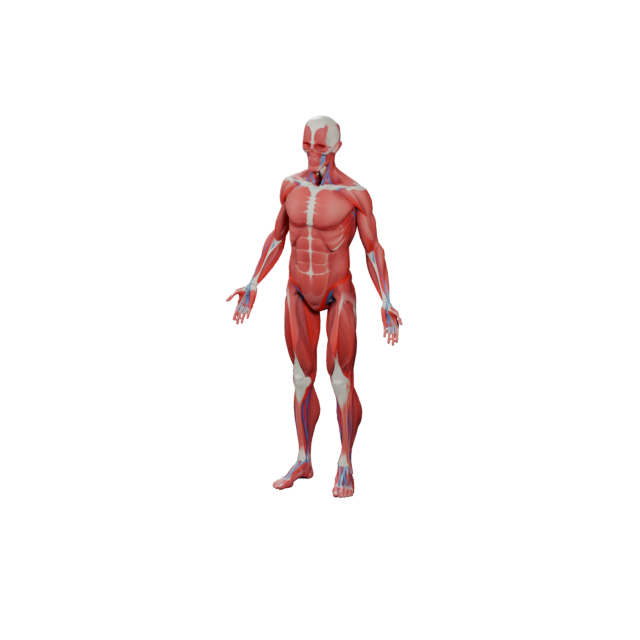
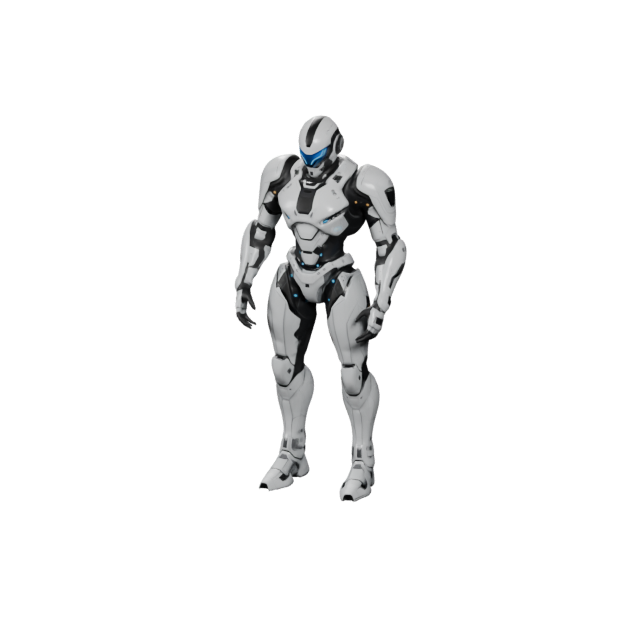
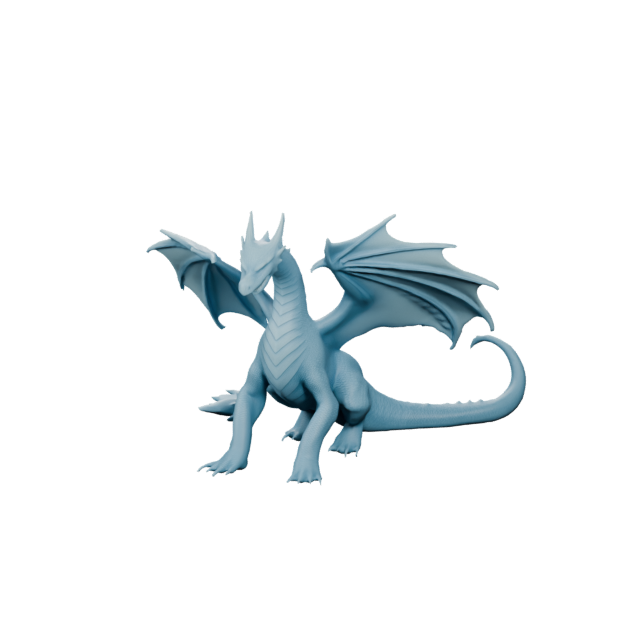
3D game characters
Heroes, mascots, NPCs, and stylized creatures for prototypes and indie games.
 Text3D.ai
Sign in or create your account to generate and manage your AI 3D models.
By continuing, you agree to our Terms and Privacy Policy.
Turn a written idea into a 3D asset with Text3D.ai. Describe a game prop, product concept, character, creature, printable object, or AR asset, then use AI text to 3D generation to create, preview, and export a downloadable 3D model.
This model is designed for subscribers. Upgrade your plan to unlock higher-quality 3D generation and advanced model options.
Type a plain-English description and Text3D.ai builds the geometry, surface detail, and silhouette for you. The AI text to 3D engine turns a quick idea — a hero character, a vehicle, a product, a prop — into a real, rotatable 3D asset you can preview and download in seconds.
Generate from Text →From games and film to product design, fashion, architecture, and 3D printing, creators use Text3D AI to turn written prompts into studio-quality 3D assets. Pick an industry below and describe the asset you need.
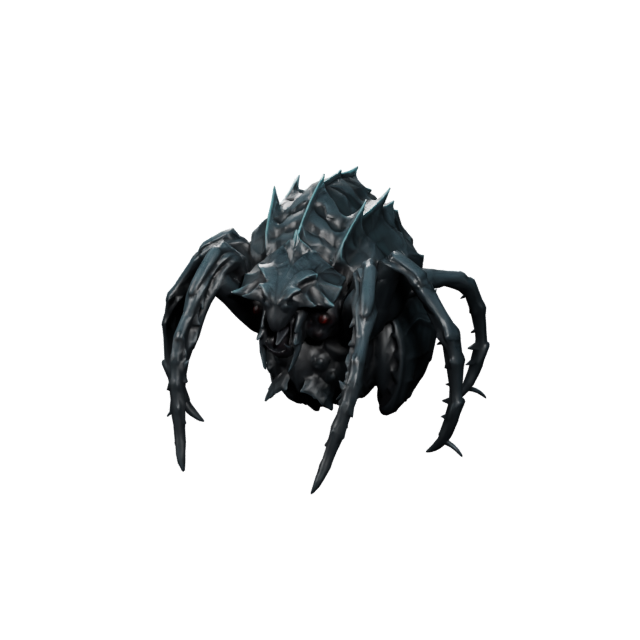
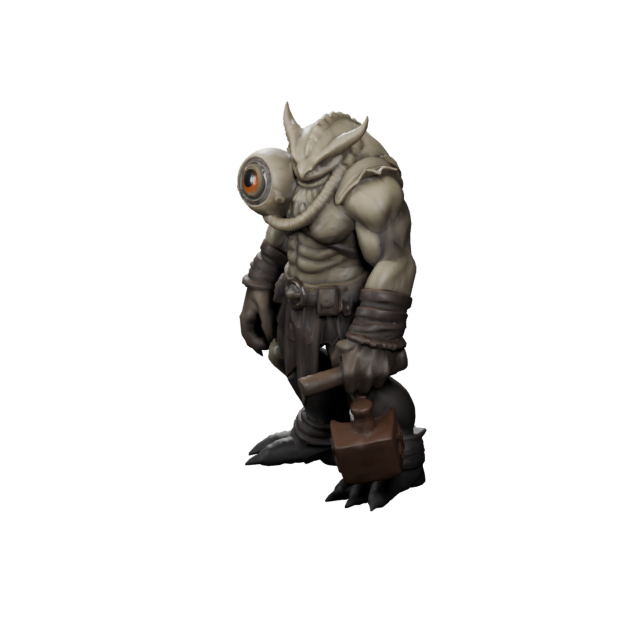
Heroes, mascots, NPCs, and stylized creatures for prototypes and indie games.
Cars, bikes, trucks, and stylized vehicles for games, ads, and concept work.
Rockets, drones, aircraft, and sci-fi spacecraft from a single description.
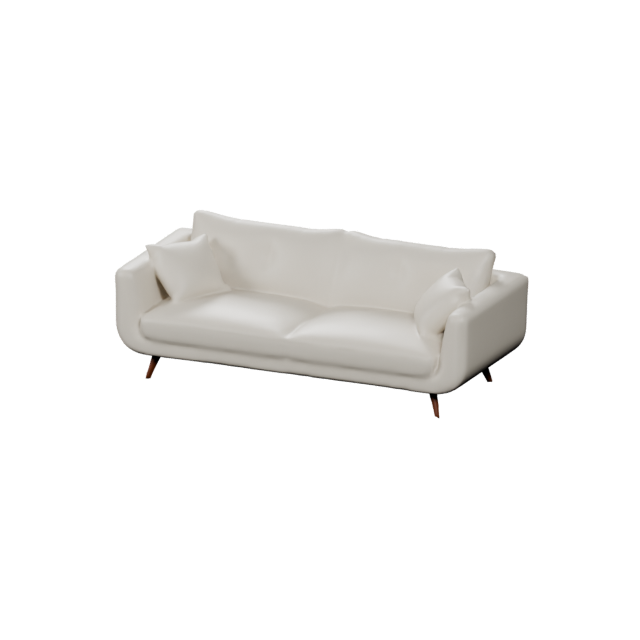
Chairs, lamps, and decor for interior visualization and product mockups.
Electronics, packaging, and gadgets for shop pages, ads, and AR previews.
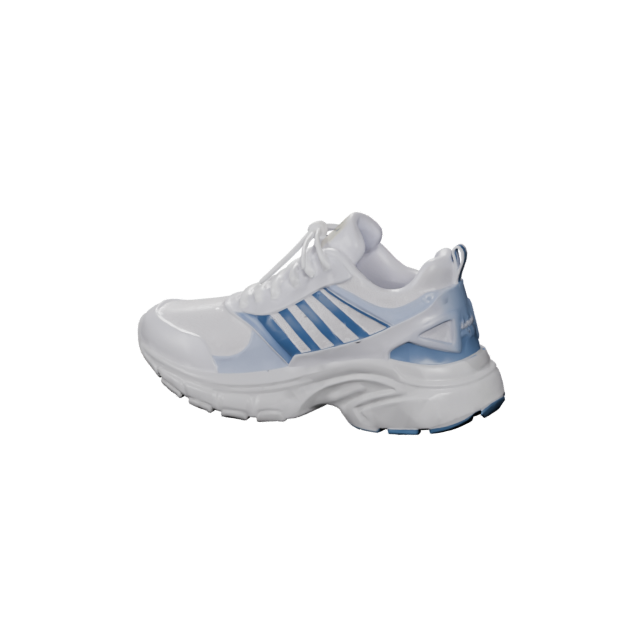
Sneakers, apparel, and accessories for lookbooks and virtual try-on.
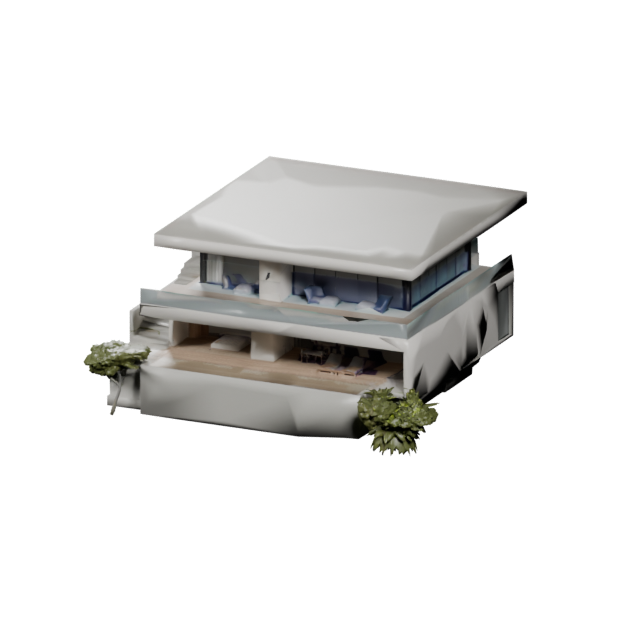
Houses, towers, and game environments for visualization and level design.
Plush characters, figurines, and printable collectibles with a soft, cute style.
Text3D AI gives every prompt a clean, well-lit result — metallic and material gradients, soft studio shadows, and crisp highlights instead of flat blocks. Describe a product render, a stylized prop, or a printable figure, and get an asset that already looks production-ready before you ever open a 3D editor.
Try a Prompt →For this page, the prompt is treated like a small production brief. Instead of typing only a subject name, give the AI useful signals about shape, material, style, use case, and export needs. That makes the generated 3D result easier to evaluate and continue in a real workflow.
A strong AI text to 3D prompt gives the model more than an object name. It tells Text3D.ai what kind of 3D asset should appear, how it should feel, and where it will be used.
AI text to 3D generation improves when your prompt uses concrete visual constraints. These signals help the system understand whether you need a game prop, product concept, printable object, or web-ready asset.
A focused object usually works better than a crowded scene. Generate one asset at a time.
Words like rounded, blocky, tall, compact, chunky, smooth, or beveled define the model shape.
Material words guide surface detail, texture direction, and overall visual feel.
A printable figurine, game prop, product demo, and AR object need different prompt constraints.
Use these examples as starting points. Each prompt gives the AI a subject, material, visual style, and use case instead of relying on a single vague phrase.
For readable objects in early game prototypes.
A stylized sci-fi energy crate made of dark metal, with beveled corners, glowing cyan panels, worn edge details, and a clean game asset style.
For quick product form exploration.
A compact smart desk lamp with a rounded base, matte white body, warm translucent diffuser, soft rubber feet, and minimal product design styling.
For stylized brand, game, or toy characters.
A cute chibi robot mascot with a round head, short arms, blue glowing eyes, smooth plastic surfaces, and friendly toy-like proportions.
For collectible, game, and storytelling assets.
A small forest dragon companion with folded wings, rounded horns, mossy green scales, big expressive eyes, and a stylized collectible figure look.
For physical-model ideas that need stronger forms.
A simple printable turtle figurine with thick legs, rounded shell details, stable base, smooth edges, and no thin fragile parts.
For product previews and interactive web 3D.
A modern sneaker display model with layered sole details, soft fabric texture, clean product showroom lighting, and a web-ready 3D asset style.
Different creators use AI text to 3D for different reasons: fast ideation, visual prototypes, printable concepts, base meshes, web 3D objects, or early game assets. Text3D.ai is designed to help you reach that first 3D version faster.
Create props, pickups, furniture, vehicles, weapons, fantasy items, sci-fi assets, and scene objects.
Turn short product descriptions into rough 3D forms for devices, decor, packaging, and accessories.
Generate mascots, robots, creatures, animals, monsters, and collectible figures from written ideas.
Create printable model ideas such as toys, figurines, desktop objects, ornaments, and simple prototypes.
A practical AI text to 3D workflow should not stop at generation. Text3D.ai helps you describe, generate, inspect, download, and continue in the tools you already use.
Write the asset brief with subject, shape, material, style, and use case.
Choose a model option based on speed, quality, or detail needs.
Use AI to turn the text prompt into a 3D model.
Rotate and inspect the generated asset in the browser.
Download GLB, OBJ, FBX, STL, PLY, USDZ, or 3MF.
Continue in Blender, Unity, Unreal Engine, a slicer, or another 3D tool.
AI is creative, but 3D projects need constraints. Tell the prompt what matters most: low-poly readability, product proportions, printable thickness, AR cleanliness, or character style.
Mention low-poly, stylized, readable silhouette, clean shapes, and material direction.
Mention proportions, finish, color, material, surface detail, and presentation style.
Mention stable base, thick details, simple forms, rounded edges, and fewer fragile parts.
AI text to 3D is best for a fast first version, creative exploration, or a model you can use as a starting point. Manual 3D tools still matter for final production precision.
AI text to 3D tends to work best when the prompt describes one clear subject with strong visual features. It is especially useful for stylized assets, simple product forms, game props, collectible figures, toys, creatures, and printable objects.
Single objects, stylized props, chibi characters, simple creatures, low-poly game assets, toy-like models, product concepts, printable figurines, decor objects, and AR previews.
Exact CAD parts, crowded scenes, tiny readable text, exact logos, complex hands, very thin printable details, professional rigging, and strict production topology.
Use Text3D.ai to create the first 3D direction quickly, then refine, optimize, repair, or polish the model when your final project requires it.
Text3D.ai focuses on real 3D model output, not only 3D-looking images. After generation, preview the result and export a format that fits your next step.
Choose the format based on where the model goes next: game engine, web viewer, AR preview, slicer, design software, or another 3D tool.
Text3D.ai is useful for both beginners and experienced creators. Beginners can start with plain English. Advanced creators can use AI-generated models as idea starters, visual references, or base assets for further refinement.
Create early props and objects before committing to final art production.
Explore shape ideas, mood directions, stylized forms, and base mesh concepts.
Turn product descriptions into rough 3D forms for visual exploration.
Generate printable object ideas and prepare them for repair, slicing, or cleanup.
Create visual 3D examples for teaching, storytelling, science, and interactive learning.
Create product-like objects for interactive previews, campaigns, and web demos.
AI text to 3D generation is the beginning. Text3D.ai connects generation with tools for viewing, converting, repairing, texturing, measuring, and preparing generated assets.
Text3D.ai is more than a text-to-3D demo. It pairs fast AI generation with a real export and refinement workflow, so the model you describe is the model you can actually ship.
Go from a written brief to a textured, rotatable 3D asset in seconds — ideal for ideation, pitches, and rapid prototyping without opening a 3D editor.
Download GLB, OBJ, FBX, STL, PLY, USDZ, and 3MF that drop straight into Unity, Unreal, Blender, AR viewers, and 3D printing slicers.
Material gradients, soft lighting, and clean silhouettes give every Text3D AI generation a polished, presentation-ready look from the start.
Start from a text prompt, or switch to Image to 3D when you already have reference art. Both paths live in the same Text3D.ai workspace.
Convert, retexture, remesh, repair, and measure generated assets with connected Text3D.ai tools — no jumping between separate apps.
Describe what you want in plain English. The prompt-first workflow welcomes newcomers while still giving pros the controls they expect.
AI Text to 3D means using artificial intelligence to turn written prompts into 3D models. You describe the asset you want, and the AI generates a 3D model that can be previewed and downloaded.
Yes. Text3D.ai helps users generate downloadable 3D models from text prompts and reference images, then export common 3D formats for real workflows.
Yes. Enter a prompt describing the object, prop, product, character, creature, or printable idea you want to create, then use Text3D.ai to generate the model.
A strong prompt includes the subject, shape, material, style, color direction, and intended use. Treat the prompt like a short 3D asset brief.
Yes. You can create early game props, stylized objects, collectibles, furniture, weapons, vehicles, and environment objects as starting points for prototypes.
Yes. You can generate printable model ideas and export formats such as STL or 3MF. Depending on the model, you may still need to inspect, repair, scale, or prepare it in a slicer.
Yes. Text to image creates a flat 2D image. AI Text to 3D creates a 3D asset that can be rotated, previewed, downloaded, converted, repaired, textured, or used in other 3D workflows.
Text3D.ai supports GLB, OBJ, FBX, STL, PLY, USDZ, and 3MF for common 3D workflows.
No. Text3D.ai is prompt-first, so you can start with plain English. Advanced users can continue refining the output in other 3D tools.
Commercial usage depends on your Text3D.ai plan. Paid plans include commercial usage rights according to the license terms, and annual members can download separate commercial authorization licenses for individual assets.
Describe the 3D asset you want to create and Text3D.ai turns your prompt into a downloadable model for games, product concepts, 3D printing, AR, web 3D, and creative projects. Start above, or jump back to the main Text to 3D workspace.