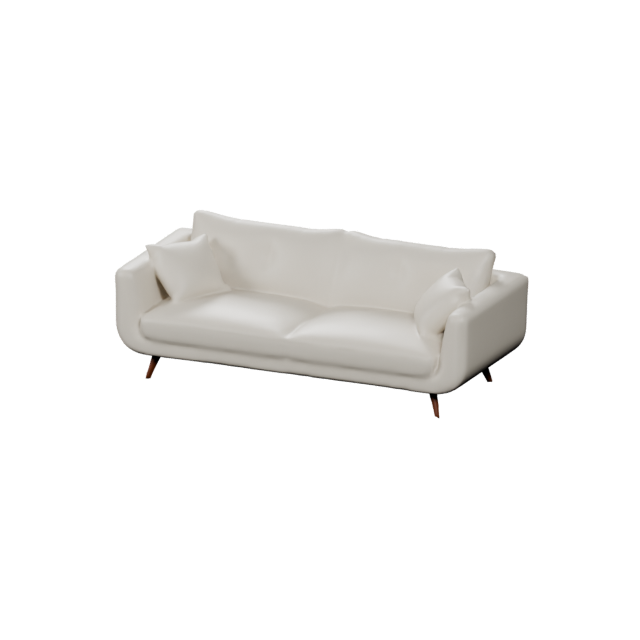
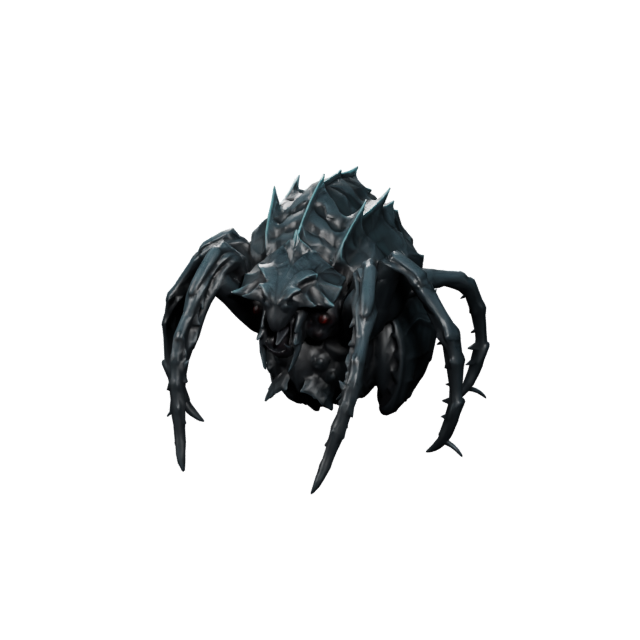
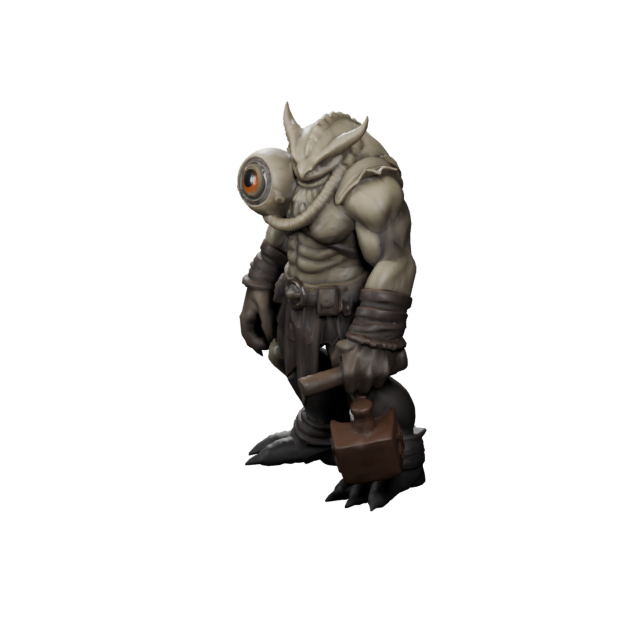
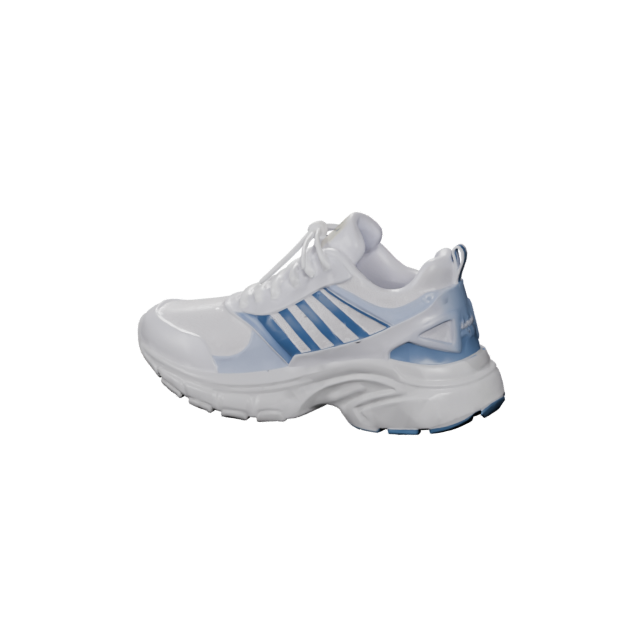
What is the Text3D.ai Image to 3D generator?
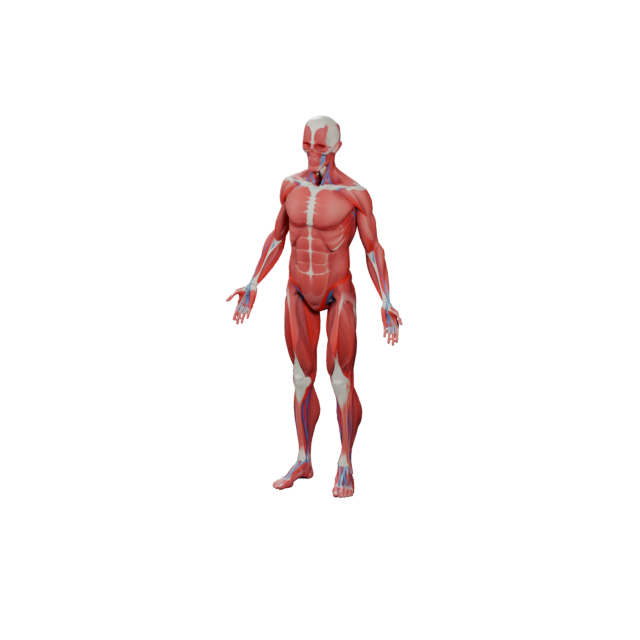
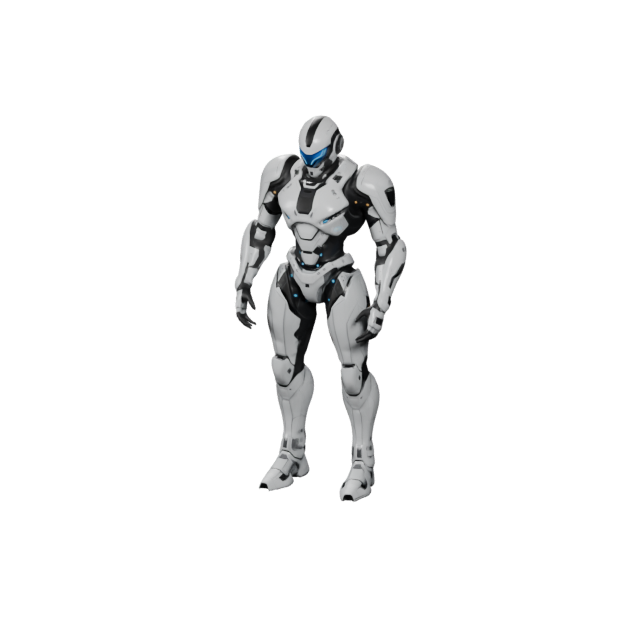
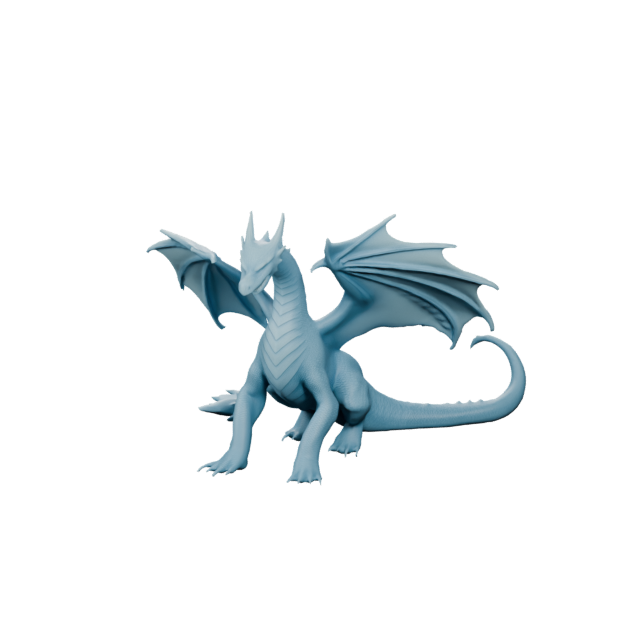
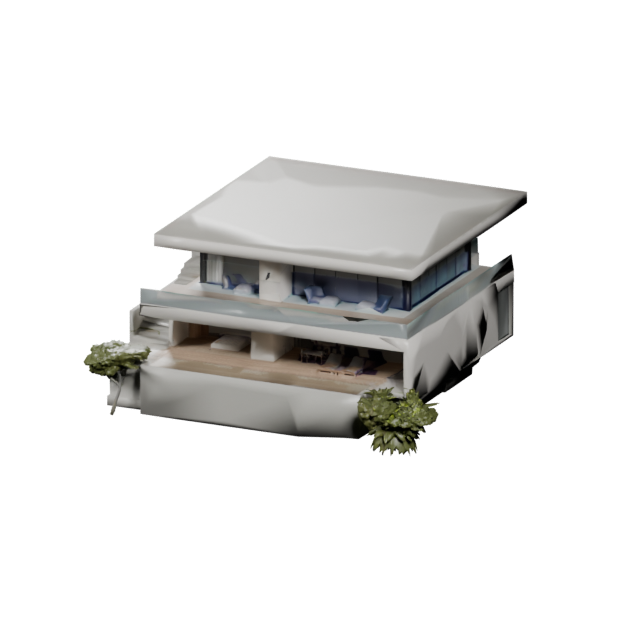
Image to 3D is an AI tool on Text3D.ai that converts a single image into a downloadable 3D model. Upload a photo, product shot, sketch, or concept art, and the AI rebuilds the main subject as a textured 3D asset you can preview, refine, and export.
How do I convert an image to a 3D model?
Open the Image to 3D tab, upload a clear front-view image of the object, choose a model version, and click Generate 3D. Text3D.ai creates the geometry, shape, and surface detail, then lets you export the result as GLB, OBJ, FBX, STL, PLY, USDZ, or 3MF.
Can I convert an image to a 3D model for free?
Yes. The V1.0 model lets free users convert an image into a textured 3D mesh in seconds using free credits. Higher-quality image-to-3D generation with PBR materials, detailed geometry, and quad meshes is available on paid plans.
What image formats and sizes can I upload?
V1.0 accepts JPG, PNG, and WEBP images from 128 to 5000 pixels up to 8MB. V3.0 and V4.0 accept JPG and PNG images up to 10MB. A clear, well-lit, front-view image of a single subject gives the best result.
What kind of image gives the best 3D result?
Use one clear subject, photographed or drawn from the front, on a clean background with even lighting. Avoid heavy blur, extreme angles, cropped edges, and busy scenes with multiple overlapping objects.
Can I turn a photo into a 3D model?
Yes. Photo to 3D works well for products, toys, furniture, props, food, and everyday objects. Upload the photo, and the AI reconstructs the subject as a 3D model with textures based on the picture.
Can I convert a sketch or drawing into a 3D model?
Yes. Image to 3D accepts sketches, line art, illustrations, and concept art. Clean outlines and clear shapes convert best, and you can use the AI 3D texture generator afterwards to add richer surface detail.
What if a single image is not enough detail?
Use Multiview to 3D. It combines several reference angles of the same object so the generated 3D model stays consistent on all sides when one picture cannot describe the full shape.
What 3D formats can I export?
Models generated from images can be exported as GLB, OBJ, FBX, STL, PLY, USDZ, and 3MF, so they work with web viewers, Unity, Unreal Engine, Blender, 3D printing slicers, and AR experiences.
Can I 3D print a model generated from an image?
Yes. Export STL or 3MF for 3D printing, then use the 3D model repair tool to fix geometry issues and the volume calculator to estimate volume, surface area, and material before you print.
What happens if an image to 3D generation fails?
If a generation fails and no usable 3D asset is created, the credits used for that failed generation are automatically returned to your account, so you can try again with a clearer or better-framed image.
Can I use image-based 3D models commercially?
Monthly members receive commercial usage rights for generated 3D assets. Annual members also receive commercial usage rights and can download a separate commercial authorization license for each individual 3D asset. Only upload images you own or are licensed to use.
 Text3D.ai