3D 3D Printing Model • STL • 3MF • Printable Ideas

3D Printing Model Generator from Text or Images

Text3D.ai helps you create 3D printing model ideas from text prompts or reference images. Generate toys, figurines, collectibles, decor objects, desk tools, hobby models, and prototype concepts, then preview and export STL or 3MF and calculate model volume and surface area before your next printing workflow.

Choose Model

Sign up and start creating for free
Your 3D generation task has been added to My Creations. You can keep creating from the homepage while it is processing.
Text to printable modelGenerate toys, figurines, decor, prototypes, and hobby models from plain English prompts.
Image to printable modelUpload a clear reference image and turn the main subject into a model concept.
STL + 3MF exportMove generated models into repair tools, slicers, and 3D printing workflows.
Prepare before printPreview, repair, scale, check supports, and slice before sending the model to a printer.

Explore AI 3D Assets

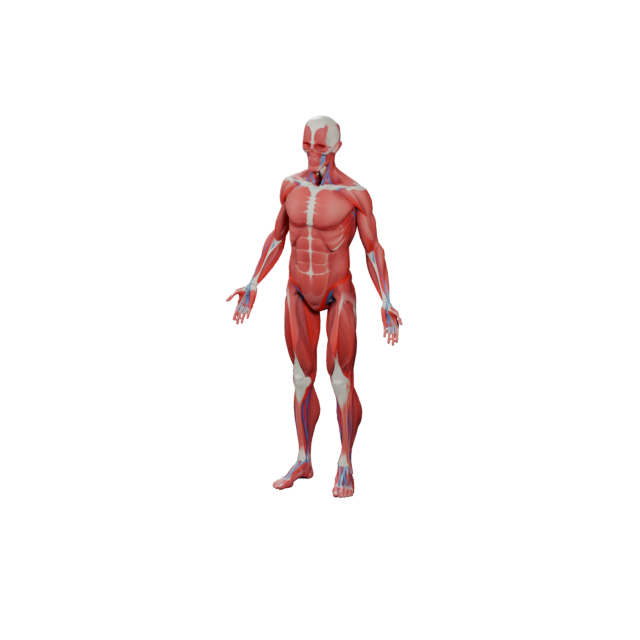
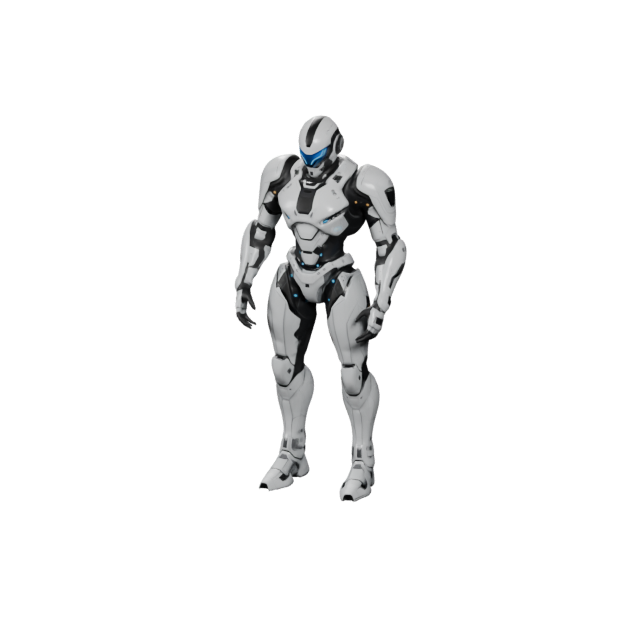
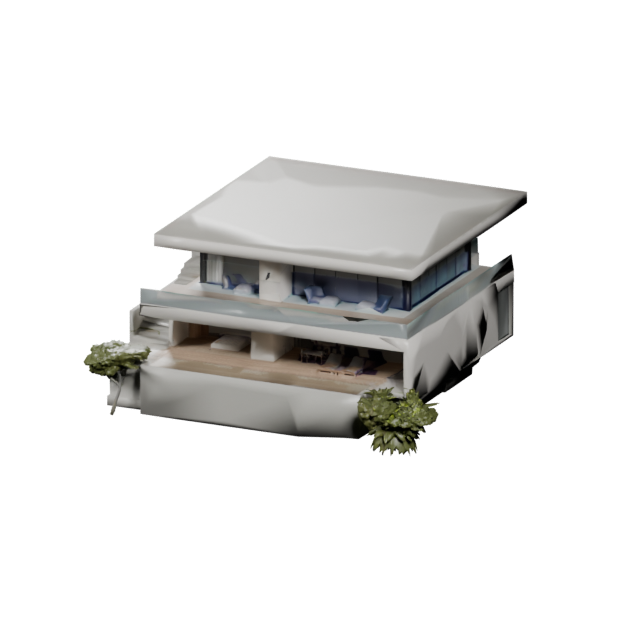
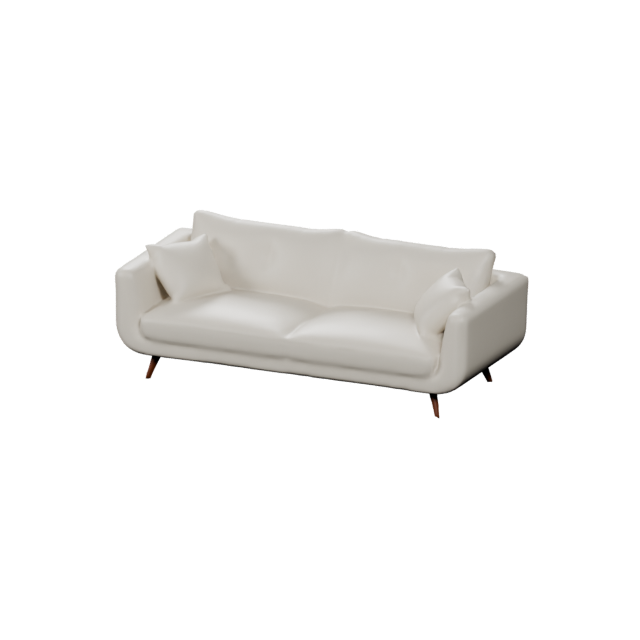
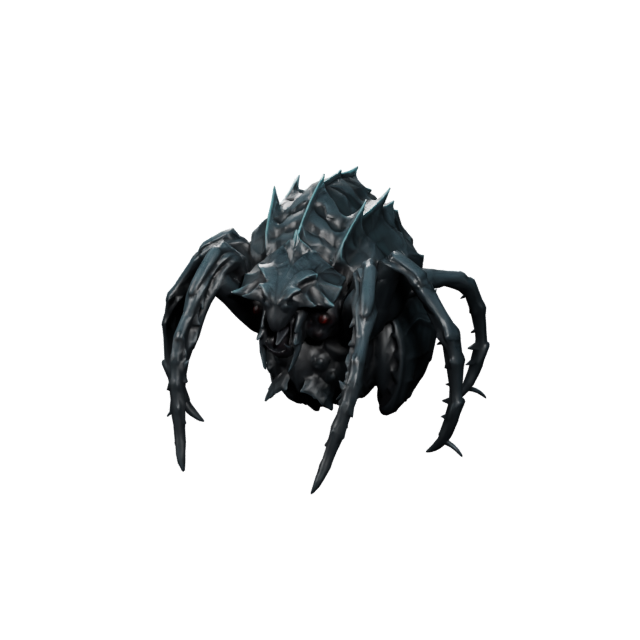
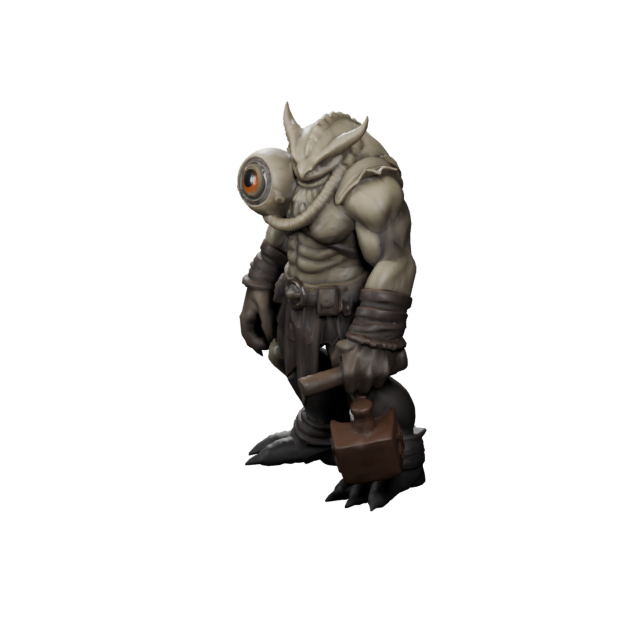
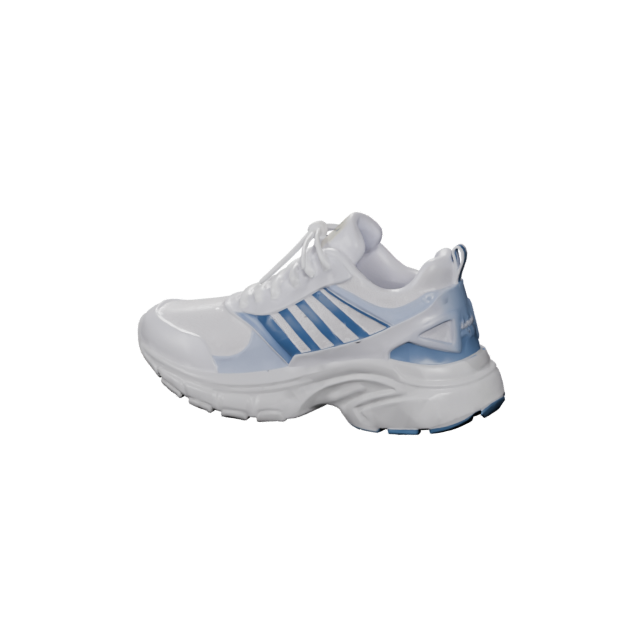
A full-body educational ... A futuristic armored hum... A luxury modern hillside... A modern luxury sofa A giant spider monster b... A cyclops boss with one ... A white athletic sneaker... Untitled design (10).png
Printable Model Basics

What is a 3D printing model?

A 3D printing model is a digital 3D file shaped, sealed, and scaled so it can become a real physical object on a printer. With Text3D.ai you start from a text prompt or a reference image, generate the model in seconds, preview it in your browser, then export STL or 3MF and move it into repair, slicing, and printing.

  • Generate toys, figurines, decor, prototypes, and hobby parts without modeling from scratch.
  • Preview the shape and proportions before you commit filament or resin.
  • Export the printable formats your slicer expects — STL and 3MF — plus GLB, OBJ, FBX, PLY, and USDZ.
Start with Text to 3D

Clear shape

The model needs a defined physical form that can hold up as a printed object.

Watertight mesh

Geometry should be checked for holes, broken faces, and non-manifold edges.

Real-world scale

Resize the model to the exact dimensions you want to print.

STL & 3MF format

Export the formats slicers and printers rely on for clean job setup.

Stable base

A broad base and thicker features make a model far easier to print.

Print prep

Orientation, supports, and slicer settings still happen before the print.

What you can print

3D printing models for every industry

From toys and game figures to vehicles, home decor, aerospace concepts, and product prototypes — describe it in plain English and Text3D AI builds a printable starting point you can refine and export.

Toys

Toys & collectibles

Cute animals, blocky robots, puzzle pieces, and playful desk toys with stable bases.

Game

Game characters

Chibi heroes, mascots, and miniatures posed on a display base, ready to print and paint.

Transport

Vehicles & transport

Cars, off-roaders, and concept rides as printable scale models and design studies.

Home

Home & decor

Vases, planters, ornaments, and sculptural accents with smooth, print-friendly curves.

Aerospace

Aerospace concepts

Rockets, drones, and spacecraft as desk models, teaching aids, and display pieces.

Architecture

Architecture & buildings

House miniatures, scale buildings, and massing studies for presentations and shelves.

E-commerce

Product & packaging

Bottles, jars, and packaging shapes for prototypes, mockups, and store visuals.

Apparel

Apparel & footwear

Sneaker concepts, accessories, and wearable props for design and display printing.

Text to Printable Model

Describe the model you want to print

When your 3D printing model still lives in your head, skip the blank modeling scene. Tell Text3D.ai the object, the style, and the print-friendly details, and the text to 3D engine returns a model you can preview and refine.

  • Start with one object: a toy, figurine, vase, stand, ornament, or prototype.
  • Add print cues like “stable flat base, thick legs, smooth edges, simple shape.”
  • Pick a style — cute, low-poly, modern, or stylized — and regenerate to compare.
Try a text prompt
Image to Printable Model

Turn a reference photo into a printable model

Already have a picture? Upload a clear object photo, sketch, or product shot and Text3D AI builds a 3D printing model from the main subject — a fast way to move from inspiration to a printable file.

  • One clean subject on a simple background reads best.
  • Keep the whole object in frame — handles, legs, wheels, and base.
  • Add a note like “printable with thick features and a flat base” to guide the result.
Upload an image
Prompt Examples

Printable-focused prompts that work

These prompts lean on stable shapes, smooth geometry, and thick details — the qualities that make a model easier to inspect, repair, and print with Text3D.ai.

Toy model

Turtle toy

A cute turtle toy with rounded shell, thick legs, smooth edges, smiling face, and a stable flat base.

Figurine

Robot figurine

A small robot figurine with round head, short thick arms, oversized feet, and toy-like proportions.

Desk model

Phone stand

A minimalist phone stand with angled support, rounded corners, strong base, cable slot, and clean modern style.

Decor model

Curved vase

A small vase with a wide stable base, organic curved body, subtle vertical grooves, and smooth ceramic-like surface.

Education

Volcano model

A simple volcano model with a wide base, rounded mountain shape, crater opening, and clear layered detail.

Ornament

Fox ornament

A low-poly fox ornament with simplified body, thick tail, rounded ears, smooth surfaces, and a small hanging loop.

Printing Workflow

From generated model to printed object

Generating the model is step one. A real 3D printing workflow adds preview, repair, scaling, and slicing before anything reaches the print bed — and Text3D.ai links those stages together.

1

Generate

Create a printable model from a text prompt or a reference image.

2

Preview

Rotate the model and inspect shape, proportions, and visible detail.

3
STL

Export STL / 3MF

Download the formats your slicer expects, plus GLB, OBJ, FBX, PLY, and USDZ.

4

Repair

Find holes, broken faces, non-manifold edges, and disconnected parts.

5

Scale

Set real-world dimensions before slicing so the print comes out the right size.

6

Slice & print

Choose orientation, supports, infill, and layer height, then send it to print.

TARGET HEIGHTMODEL WIDTH Measurement Scaled model results Volume 128.6 cm³ Surface Area 312.4 cm² HEIGHT LEVELS
3D Model Volume Calculator

Calculate 3D model volume before printing

After generating or exporting a 3D printing model, use the Text3D.ai volume calculator to measure its volume and surface area. Compare the same model at up to 10 target height levels so you can understand how scaling changes the physical size before slicing or printing.

  • Measure model volume and surface area in one browser-based workflow.
  • Compare results across up to 10 target heights without manually resizing the file again and again.
  • Use the measurements to evaluate scale options and support material-planning decisions before printing.
Calculate 3D Model Volume
File Formats

Export the format your workflow needs

STL and 3MF lead most printing workflows, while the other formats cover editing, preview, AR, and conversion. Every Text3D.ai model exports to all seven.

STLStandard slicer input
3MFModern print workflow
OBJEditing & exchange
GLBBrowser Preview
FBXProduction pipelines
PLYMesh workflows
USDZAR previews
Search Intent

3D printing model vs. 3D model vs. STL file

These terms travel together but mean different things. A 3D printing model is built for a physical workflow — not just an on-screen preview.

3D model

A broad digital 3D file used for games, animation, AR, web, design, or printing.

3D printing model

A model prepared for repair, scaling, slicing, supports, and a real print.

What Text3D.ai generates

STL & 3MF

Common print file formats — STL is the classic mesh, 3MF stores richer print data.

Clear Expectations

Generated models still need printing checks

An AI-generated 3D printing model is a strong starting point, not a guaranteed one-click print. Plan to inspect, repair, scale, and test before you commit a long print.

Exact engineering parts

Use CAD when measurements, tolerances, and fit are critical.

Mechanical assemblies

Gears, hinges, and moving parts need careful technical modeling.

Load-bearing parts

Functional, weight-carrying parts deserve engineering review.

Very thin features

Spikes, wires, and fragile details may break — thicken them.

Exact text & logos

Small readable text and precise logos usually need manual editing.

Always test first

Inspect, repair, scale, slice, and run a test before a long print.

Hidden geometry

A single image may miss back sides, thickness, or internal shape.

Printer-specific results

Outcomes depend on your hardware, material, and slicer calibration.

FAQ

3D Printing Model FAQ

Practical answers for creators who generate, export, repair, and prepare 3D printing models with Text3D.ai.

What is a 3D printing model?

A 3D printing model is a digital 3D file intended for a printing workflow. It typically needs repair, scaling, slicing, support planning, and a test print before it becomes a physical object.

Can I create a 3D printing model from text?

Yes. Describe a printable object in plain English and Text3D.ai generates a 3D model from the idea, which you can preview and export.

Can I create a 3D printing model from an image?

Yes. Upload a clear reference image and Text3D AI builds a 3D model based on the main subject in the photo.

Can I export STL and 3MF files?

Yes. Text3D.ai exports STL and 3MF for printing, plus GLB, OBJ, FBX, PLY, and USDZ for editing, preview, and AR.

Are generated models ready to print immediately?

Not always. Inspect the model, repair geometry, set the scale, check wall thickness, choose orientation, add supports if needed, and prepare it in a slicer first.

What kinds of 3D printing models work best?

Toys, figurines, collectibles, desk objects, decor, ornaments, educational models, and early product concepts are usually stronger starting points than complex mechanical parts.

Can I use Text3D.ai for exact CAD parts?

Text3D.ai is built for printable concepts and creative models. Exact CAD parts with tight tolerances should be created or verified in CAD software.

Which formats does Text3D.ai support?

Text3D.ai supports GLB, OBJ, FBX, STL, PLY, USDZ, and 3MF.

How can I calculate the volume of a 3D printing model?

Open the 3D Model Volume Calculator to measure volume and surface area and compare the model at up to 10 target height levels before slicing or printing.

Can I use generated 3D printing models commercially?

Commercial usage depends on your Text3D.ai plan. Paid plans include commercial usage rights under the license terms, and annual members can download separate commercial authorization licenses for individual assets.

Is there a free way to try it?

Yes. The V1.0 model gives free members credits to generate a textured printable mesh and preview it in the browser. Higher-quality models with PBR materials and detailed geometry are on paid plans.

Create a printable model

Generate your next 3D printing model

Start from a text prompt or a reference image. Text3D.ai helps you create, preview, and export 3D printing models for toys, figurines, decor, education, hobby prints, and early product concepts.

Text to 3D and Image to 3D • Browser preview • STL and 3MF export • 3D model volume and surface area calculation