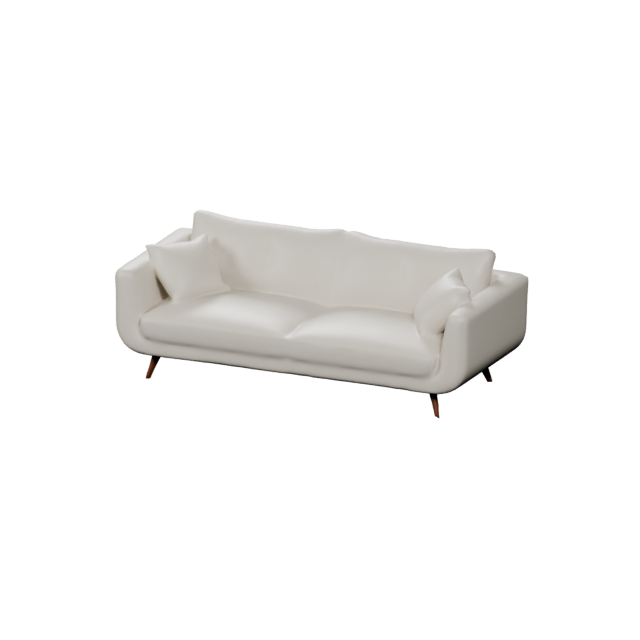
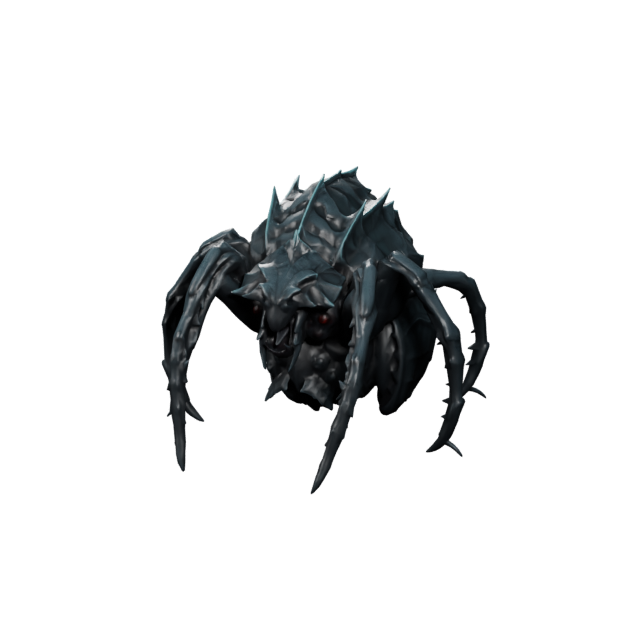
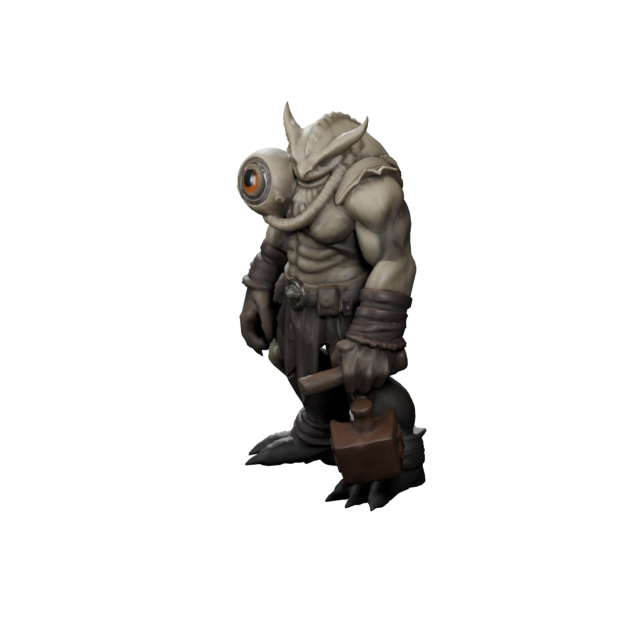
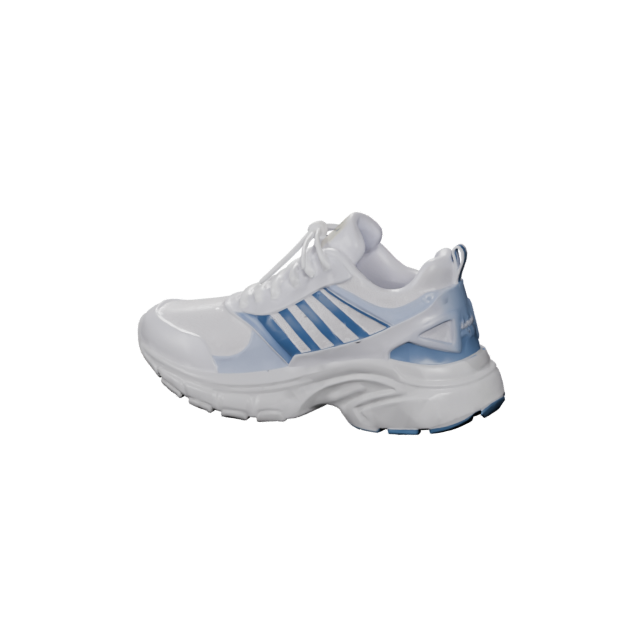
E-commerce
Product & e-commerce renders
Turn product GLBs into clean hero images for Shopify, Amazon, landing pages, and ads. Consistent light and framing make every listing look polished and trustworthy.
 Text3D.ai
Sign in or create your account to generate and manage your AI 3D models.
By continuing, you agree to our Terms and Privacy Policy.
Turn a 3D model into a studio-quality image. Upload a GLB, OBJ, FBX, STL, or PLY model, choose a look, and render a clean hero image or a four-angle pack for products, game assets, characters, and portfolios — no Blender, cameras, or lighting setup.
Drag and drop a GLB, OBJ, FBX, STL, or PLY model here, or upload one from your device.
Please upload a 3D model with its front facing forward.
1 hero image: about 1 minute. 4 studio angles: 2–5 minutes. Keep this tab open.
An AI 3D render is the polished image you get when a 3D model is lit, framed, and photographed inside a virtual studio. Instead of opening Blender and building a scene by hand, Text3D.ai sets the camera, lighting, background, and export for you — so a raw GLB model becomes a clean picture you can publish.
Upload a GLB, OBJ, FBX, STL, or PLY file, including models you made on Text3D AI, choose a look, and download a hero JPG or a four-angle PNG pack. The same model can become a product shot, a game-asset preview, or a portfolio image — all from one AI 3D render.
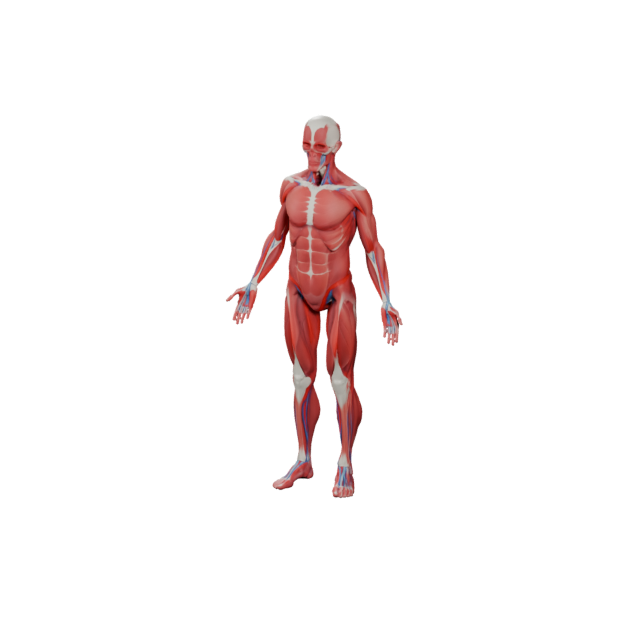
From e-commerce to game studios, a clean AI 3D render helps people understand an asset before they buy it, play it, or approve it. Text3D.ai gives every industry the same studio finish — metallic and color materials, soft lighting, and a grounded shadow.
Turn product GLBs into clean hero images for Shopify, Amazon, landing pages, and ads. Consistent light and framing make every listing look polished and trustworthy.
Render vehicles, concepts, and parts into sharp marketing visuals for configurators, spec pages, pitch decks, and social reveals.
Show rockets, drones, and aircraft models as crisp visuals for concept boards, investor decks, and engineering presentations.
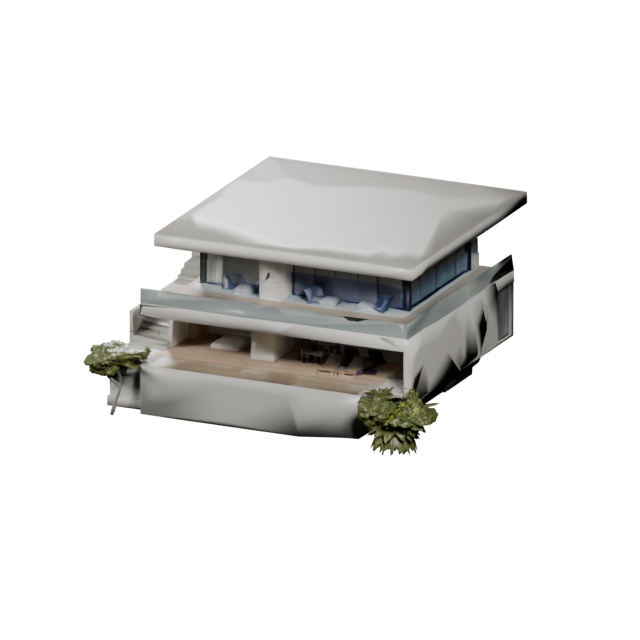
Present building models, kit homes, and structures as clean studio shots for proposals, listings, and design reviews.
Create catalog-ready images of chairs, lamps, and decor so shoppers can read materials and shape before they buy.
Render apparel, footwear, and accessories into lookbook-style visuals for stores, product drops, and brand pages.
Give toys, figures, and collectibles a bright studio finish for packaging mockups, listings, and crowdfunding pages.
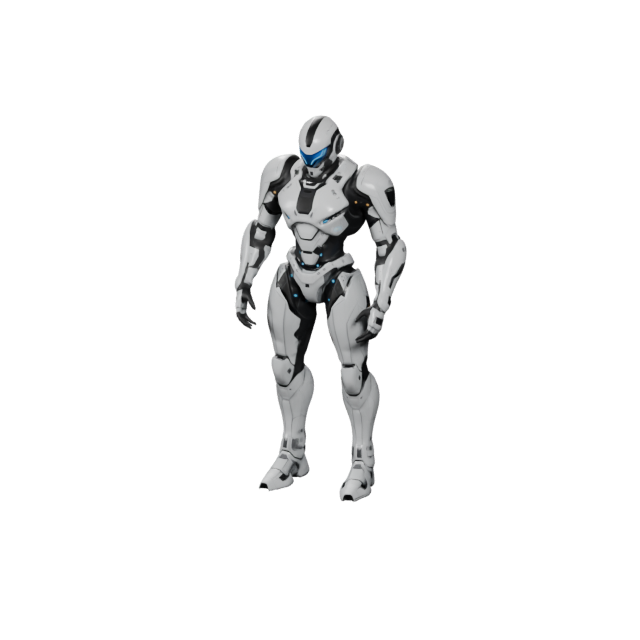
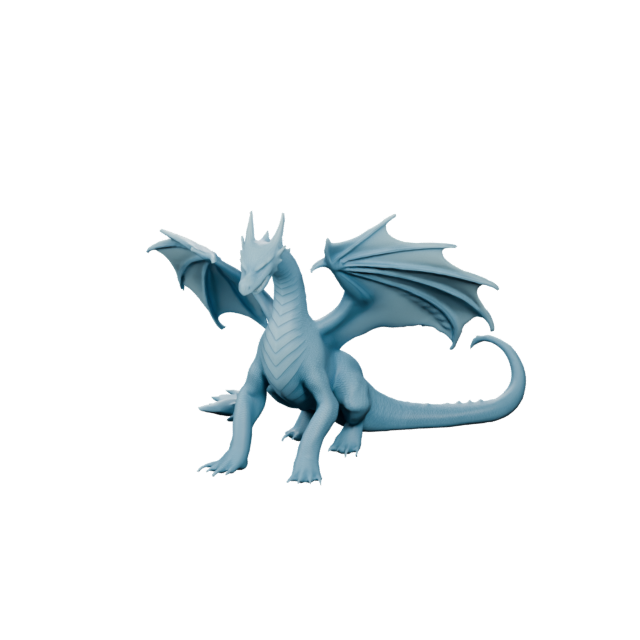
Render heroes, mascots, NPCs, and creatures into clean preview frames for asset stores, devlogs, and key art.
Showcase weapons, shields, items, and environment props as marketplace-ready images for asset stores and project pages.
The same model can feel premium, clean, dramatic, or playful depending on the lighting preset and background. Pick the look that matches where your render will live.
Text3D AI keeps the workflow short: add a model, pick a look, render, and download. No camera rigging, no scene building, no manual export.
Upload a GLB, OBJ, FBX, STL, or PLY file from your device. GLB keeps geometry, materials, and textures in one file; other supported formats are standardized to GLB before rendering.
Pick a lighting preset and a background that match where the render will appear.
Text3D AI sets the camera and studio, then renders your model into a finished image.
Save a 1024px JPG hero image or a 2048px PNG four-angle pack and use it anywhere.
A single hero image is enough to test an idea or fill a product slot. A four-angle pack is better when people need to read the asset from more than one side.
One front-facing JPG, ideal for fast previews, single product slots, and quick concept checks.
Front, left, right, and back views in one task — built for galleries, asset pages, and client-ready sets.
A few small choices make a render look more professional. Use GLB for stable materials, and match the background to where the image will be seen.
Text3D.ai is built around a GLB-first workflow because GLB packs geometry, materials, and textures into a single file — so upload, preview, and rendering stay predictable.
A product page, an asset store, and a portfolio rarely want the same backdrop. Pick the look that fits the destination.
AI 3D render is one step in a full pipeline. Make a model from text or an image, inspect and clean it, then generate render images for publishing.
Answers for creators searching for AI 3D render, 3D model to image, GLB render, product render, and game asset preview workflows.
AI 3D render is the process of turning a 3D model into a finished 2D image using automated camera, lighting, and materials. With Text3D.ai you upload a supported 3D model, then generate a studio-quality picture for products, game assets, characters, or portfolios.
No. AI 3D render starts from a model that already exists and produces an image of it. To create the model first, use Text3D.ai text-to-3D or image-to-3D, then render the result here.
Both pages use the same upload, rendering, preview, and download workflow. You can explore this page without signing in. Sign in when you are ready to generate an image; subscriber options follow your account plan.
Upload GLB, OBJ, FBX, STL, or PLY. GLB is recommended because it stores geometry, materials, and textures in one file. Other supported formats are standardized to GLB before rendering.
Products, game assets and characters, vehicles, furniture, apparel, toys, architecture, and more. If it is a 3D model, Text3D.ai can render it into a clean image.
A 1024px JPG hero image, or a 2048px PNG four-angle pack with front, left, right, and back views.
Yes. The transparent PNG option is available for the subscriber four-angle PNG export, which is useful for layouts and marketing graphics.
Each AI 3D render task uses 5 credits. A hero image and a four-angle pack both run from the same 5-credit task.
No. Text3D.ai handles the studio setup, camera framing, lighting, and export. You only need a supported 3D model and a look.
Upload a GLB, OBJ, FBX, STL, or PLY model, pick a look, and turn your 3D model into a clean studio image for products, game assets, characters, and portfolios.